
PlayStation Plus: c’è God of War tra i giochi gratis di Giugno 2022
Switch PoE 5 porte di Netgear ad un prezzo incredibile su Amazon
Questo Switch è una delle migliori scelte, Netgear lo ha messo in offerta su Amazon ad un prezzo incredibile, non lasciarti scappare lo sconto del 37%
Leggi Switch PoE 5 porte di Netgear ad un prezzo incredibile su Amazon

OPPO FIND X3 LITE 5G, eBay sgancia la BOMBA: 249€

Stazione di ricarica wireless tre in uno INDISPENSABILE per device iOS e Android

Tieni d’occhio la tua frequenza cardiaca con questo misuratore di pressione (20€)

Cooler Master MH630, cuffie gaming TOP, sconto FOLLE (-56%)

la nena al Fuorisalone 2022. L’innovativo design spagnolo
Se passate dalla showroom de “la nena” in via Santa Marta a Milano, scoprirete pezzi unici fatti a mano e rifiniti a mano per dare carattere all’ambiente. “Vogliamo che ogni…
L’articolo la nena al Fuorisalone 2022. L’innovativo design spagnolo scritto da Paolo Brambilla proviene da Assodigitale.
Il miglior Mini PC con Intel Celeron potente e compatto a prezzo BOMBA
Un ottimo Mini PC da mettere in soggiorno come dispositivo per poter guardare film o serie TV, o per lavoro e social a soli 149€.
Leggi Il miglior Mini PC con Intel Celeron potente e compatto a prezzo BOMBA

Modem TP-Link con alloggio per scheda 4G ad un prezzo FOLLE su Amazon
Grazie a questo modem TP-Link potrai usare la tua scheda 4G e inserirla per avere internet ovunque tu vada, ora in promo su Amazon ad un prezzo eccezionale
Leggi Modem TP-Link con alloggio per scheda 4G ad un prezzo FOLLE su Amazon
SSD Crucial da 240GB con sconto Norton del 50% se lo acquisti ora su Amazon
Uno dei migliori SSD compatti che puoi trovare su Amazon, ora in offerta combo con l’antivirus Norton, approfitta dello sconto del 50%
Leggi SSD Crucial da 240GB con sconto Norton del 50% se lo acquisti ora su Amazon
The Anywhere School 2022
Editor’s Note: Join us for Google for Education’s product launch event, The Anywhere School 2022, to find out about the latest features to help students pursue their personal potential.
Each year, my team and I speak with thousands of educators around the world to better understand how students and teachers are using technology in the classroom. We do this to help educators amplify their efforts and, most importantly, help students pursue their personal potential. Today, we’re sharing new updates to Chromebooks, Google Classroom and Google Meet to set up teachers and students for success ahead of the next school year.
Create screencasts and cast to a big screen with Chromebooks
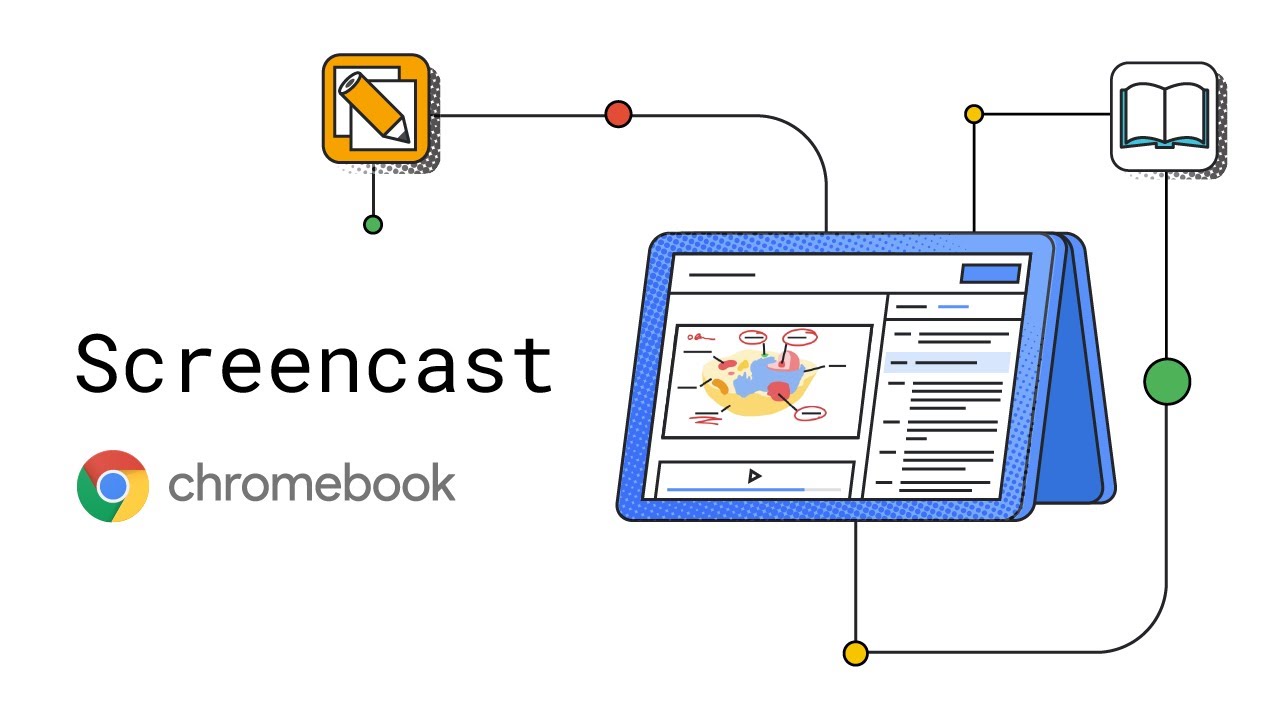
From sharing devices to 1:1, to teachers using Chromebooks alongside students, we’re constantly evolving our features to meet the needs of the classroom. We’re adding new features like the Screencast app, built into Chrome OS in M103, where you can record, trim, share and view transcribed screencasts — and create a custom library of videos automatically saved in Google Drive. Cast moderator is a new mode coming to select devices with Google TV that enables both educators and students to wirelessly share their Chromebook screen to a class display using an access code, so that only folks in the same classroom as the display are able to cast. To get notified on availability of cast moderator hardware, express interest in this form. And for more on what’s new for Chromebooks, read our blog.
Adaptive learning enhancements in Google Classroom
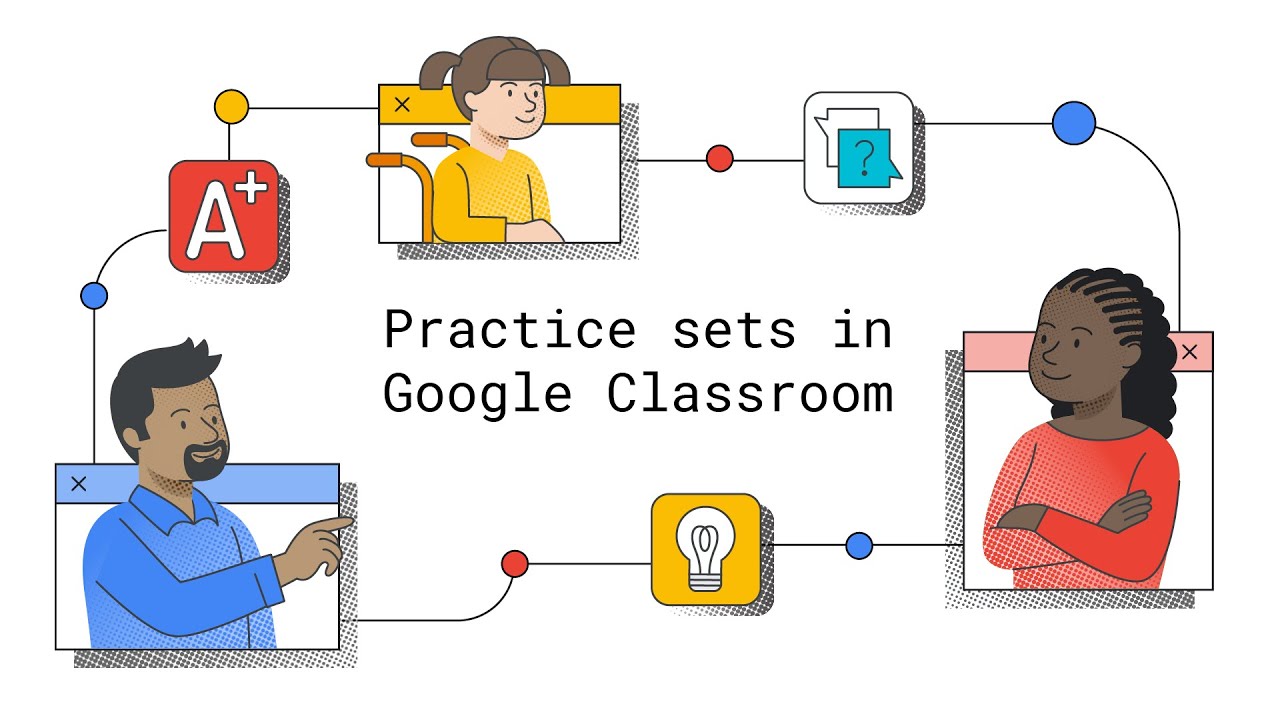
We’re rolling out newintegrations and tools to improve teachers’ day-to-day tasks and help students grow their skills. Practice sets lean into adaptive learning by giving students instant feedback on their answers and real-time support if they get stuck — providing automated insights for teachers to identify potential gaps in students’ understanding. Practice sets are now globally available in beta, and in English only, for Google Workspace for Education customers with Education Plus or Teaching and Learning Upgrade. Sign up here to get access. With add-ons, we’re making it possible for students and teachers to access more than 15 EdTech tools, like Kahoot! and Pear Deck, all with a single login. Teachers can create engaging assignments and see new grading experiences, while students don’t have to worry about remembering extra passwords and navigating external websites. Add-ons will be available with Education Plus or Teaching and Learning Upgrade. And to get ready for the new school year or semester, we’re expanding our roster import feature in Google Workspace for Education Plus to an additional 15 countries, in partnership with Elevate Data Sync, so class lists can automatically be synced with student information systems. Sign up here for the beta. For more on what’s new with Classroom, read our blog.
Better interconnectivity and efficiency with Google Meet
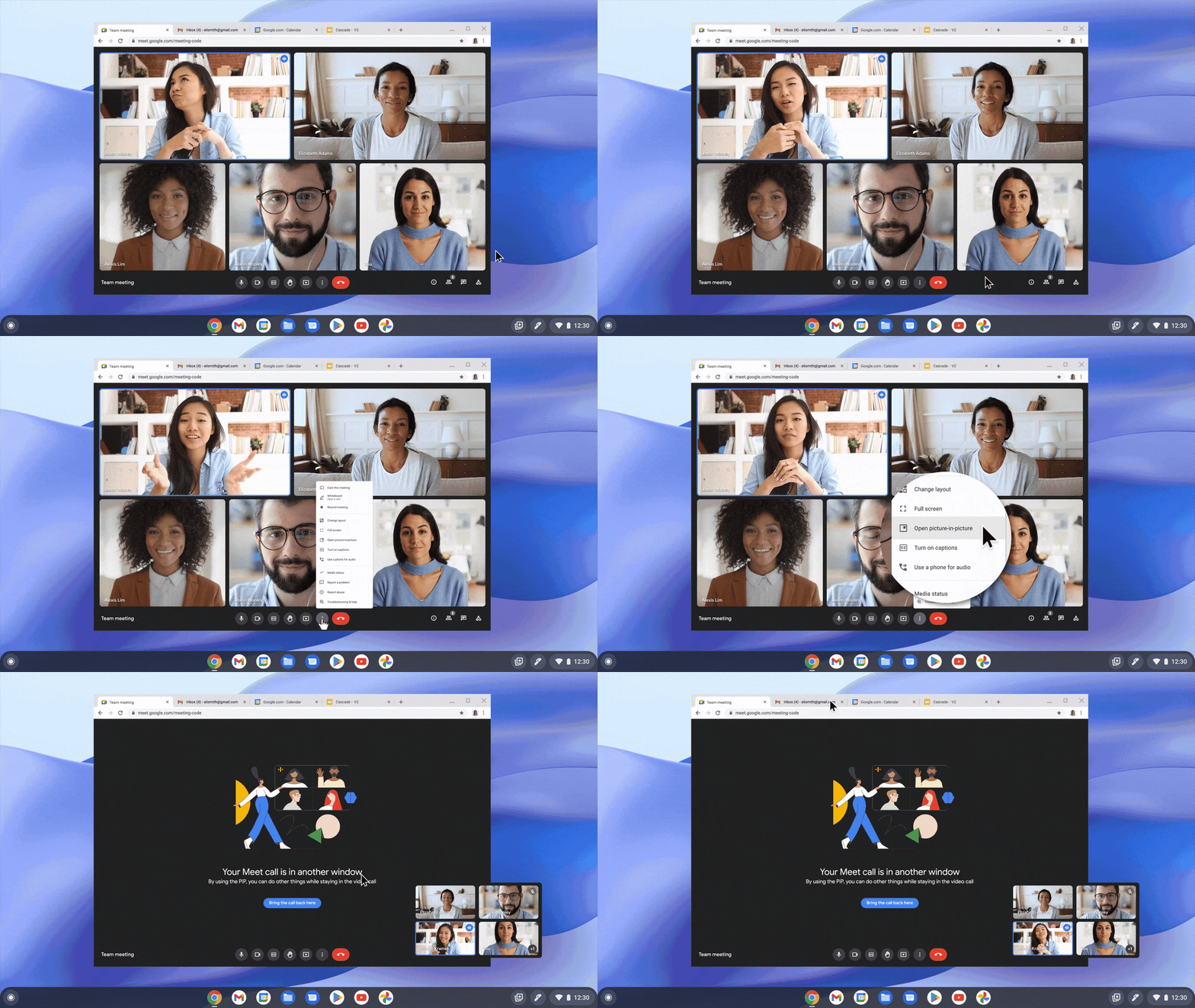
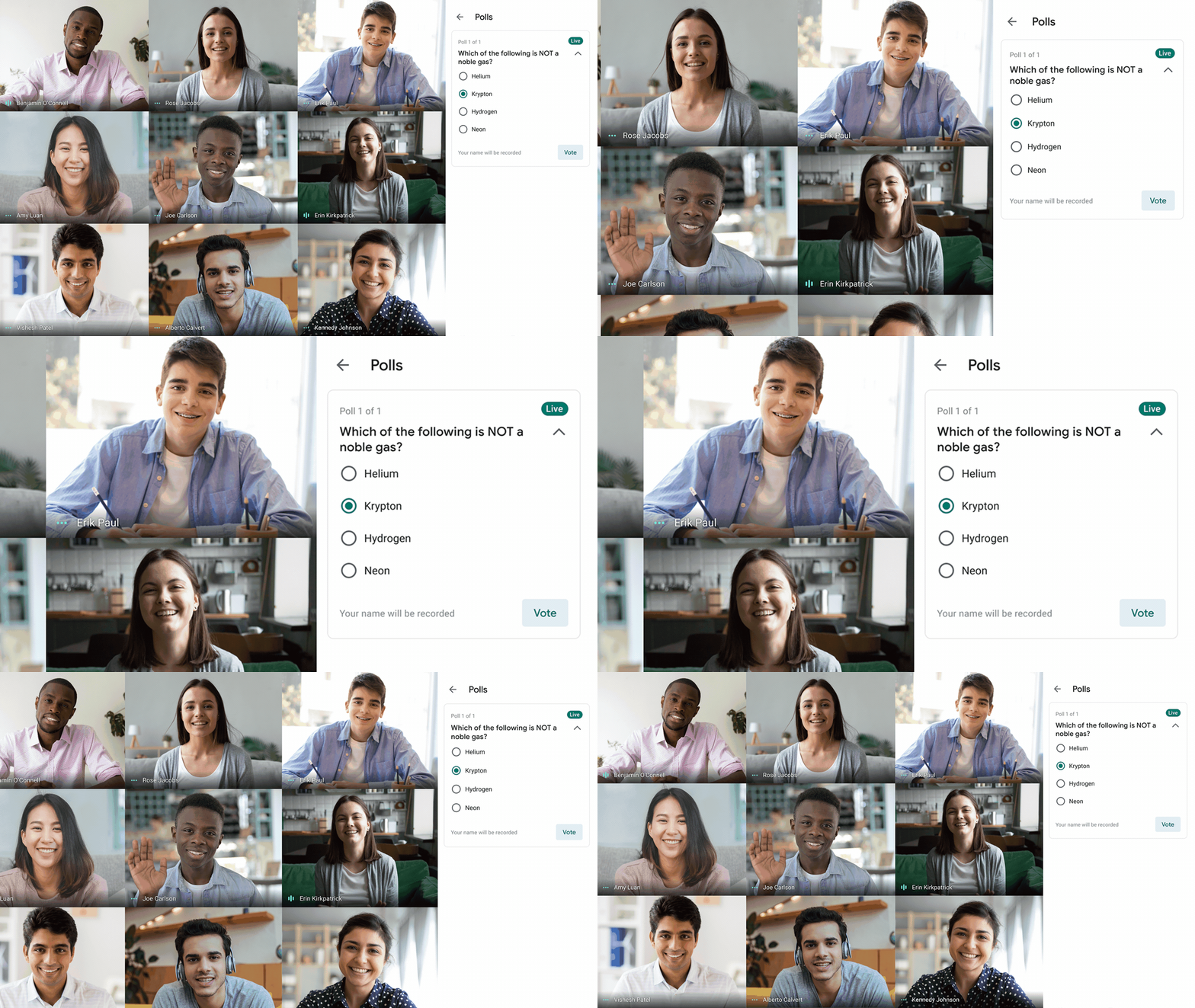
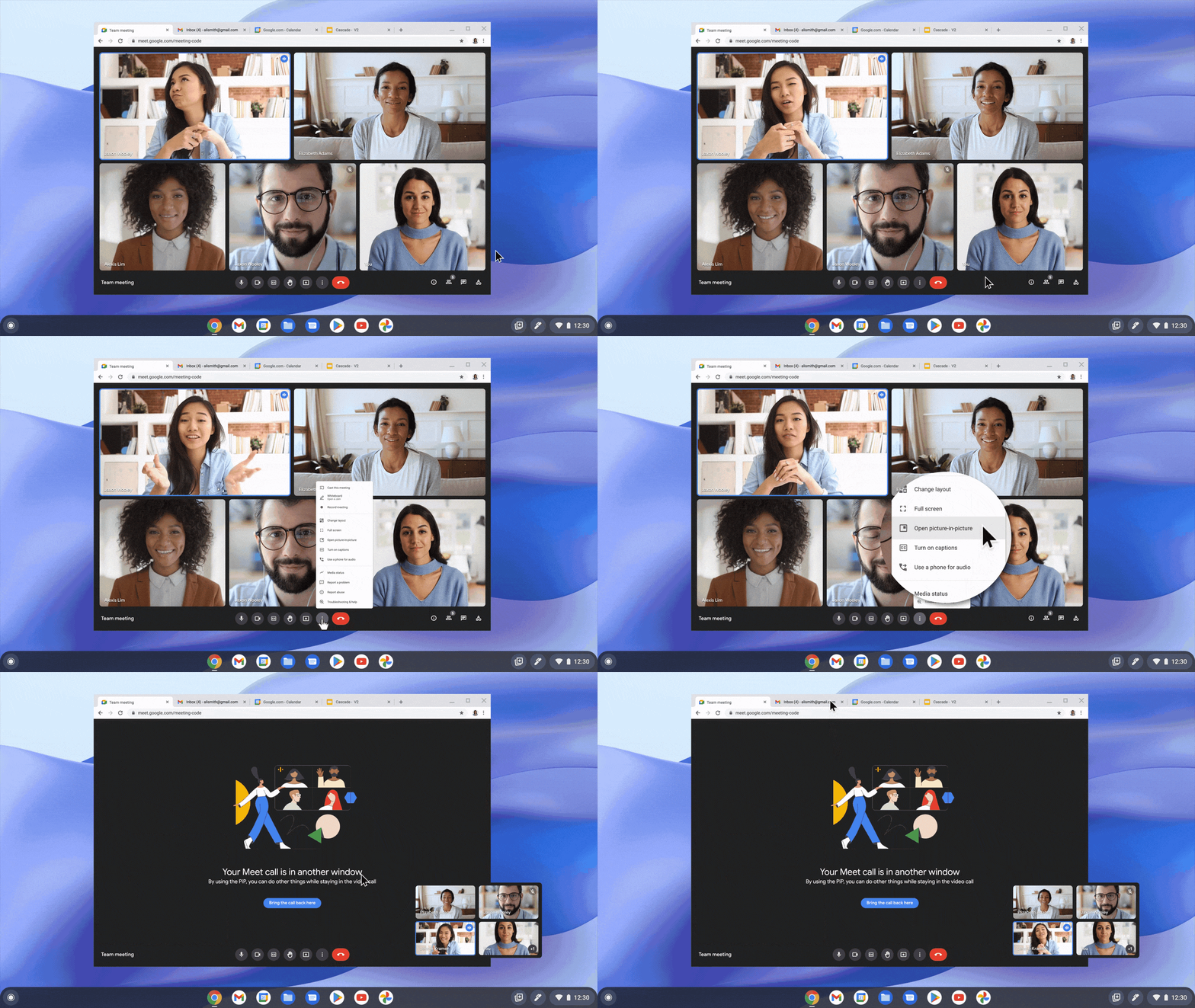
For those using the Google Workspace for Education Plus or Teaching and Learning Upgrade, we’re adding features focused on increasing interconnectivity, control and efficiency in the classroom to Google Meet. Now, Meet calls can be auto-transcribed directly into a Google Doc for easy lesson reviews and the ability to search for keywords and concepts. Ever wished you could keep tabs on your class and present from another tab? Now you can, with Picture in Picture in Meet, where you can navigate other tabs in Chrome while viewing 4 tiles of students in a Meet call. And to keep your class engaged and regularly check for understanding, you can now add polls and Q&A to Live-streams, and live-stream directly to YouTube. For more on what’s new with Google Meet, read our blog.
Building for the future of more personal learning experiences
We want to continue developing products and features that meet the needs of students and teachers today, and in the future. The magic happens when tech is put in the hands of teachers who know how to engage students, to challenge them and instill that love of learning. Education is not one size fits all — and neither is the technology that powers education.
Adapting products to meet teachers’ changing needs
Editor’s Note: Join us for Google for Education’s product launch event, The Anywhere School 2022, to find out about the latest features to help students pursue their personal potential.
As we build our products, it’s essential to listen to user feedback. That’s how we help make them useful for the people using them — and more inclusive, too. Our Google for Education team has a long history of directly involving schools in user research studies to better understand what they need. This connection to educators and students has made it easier to adapt our products as schools’ unique needs change over time. Here’s how we’ve done just that.
Making virtual teaching more engaging with Google Meet
In 2020, the instructional demands on teachers radically changed overnight, prompting many teachers to use Google Meet to host their virtual classrooms. But Google Meet was originally designed for businesses — not classrooms — and the product was not meeting the needs of educators, students or their parents and guardians.
“Students are using the tools in a way that makes it hard for teachers to do their job,” a tech admin based in the U.S. told us. “Teachers can’t mute students, or put them in groups, they can’t ask questions easily to take the temperature of the class. Students are also jumping on the video without supervision – and that’s an issue. I wish there was more control.”
To improve the experience, the Google Meet team worked quickly to figure out what teachers did need from the product, and spent a lot of time learning from teachers directly. The team was able to incorporate this feedback into the product design, resulting in new functionality like attendance taking, hand raising, waiting rooms and polls. “With the upgraded Meet experience, I find it very practical and friendly to manage the class and communicate with the students,” a high school teacher in Mexico told us, “obviously improving the overall experience for students.”
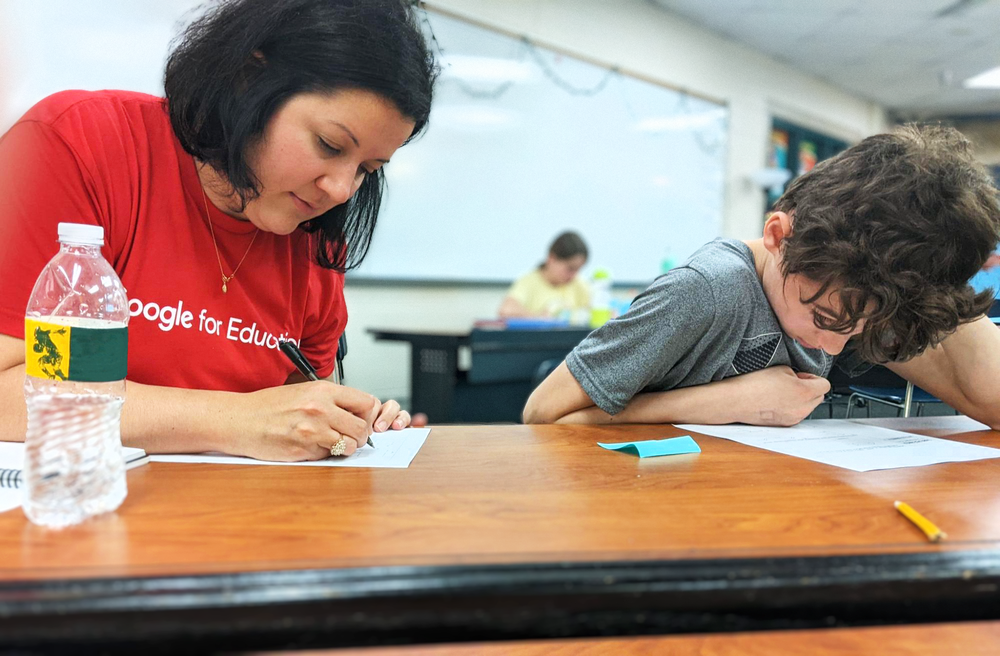
The Google for Education team working in schools to gather user research.
Google Meet became a core piece of the virtual classroom, better connecting teachers with their students and reducing the stress of managing the new remote environment. And these changes ultimately benefited everyone interacting with Google Meet, including businesses and those using it for personal use.
Making Classroom work for limited device access or Wi-Fi connectivity
We took a similar approach to improving the user experience of Google Classroom by adding features to help close access gaps. Educators noted that in areas where students didn’t have computer or tablet access, students were completing homework by hand and submitting photos of their work with a mobile device. But Google Classroom did not have the functionality to grade photos. The team took that feedback, and a new feature was added that let teachers interact with students’ submitted photos, ensuring greater access to learning across more types of devices.
Teachers from around the world also told us that because Google Classroom access was only available with Wi-Fi, this increased learning barriers in countries with limited Wi-Fi access on phones, especially when adding more data costs money. So we made some features of Google Classroom available offline for Android devices, like reviewing class announcements and assignments, editing downloaded assignment attachments and managing offline files. “Over 20% of our students do not have access to the internet at home,” a superintendent in the U.S. told us. “We needed a way to provide access to their work. The offline feature allowed that for students.”
One other improvement benefited all teachers who use Google Classroom across multiple classes. The team quickly prioritized building features to resolve this issue, saving teachers’ (very precious!) time and energy.
Help shape the future of Google products
User feedback is critical to ensure we continue building more inclusive and helpful products – and focusing on the features that teachers need and want most. When communities are sharing their experiences with Google, we have a better understanding of how to adapt to their needs. If you would like to start sharing feedback with us, here’s a few ways to get started:
- Join our user research program and share feedback on all kinds of Google products.
- Sign up to try new educational products before release through the Google for Education Pilot Program.
- Check out our latest announcements on more ways we improved some of our key features in Classroom, like originality reports, YouTube in Classroom, notifications, and grade export.
Share your ideas with Chromebook
Editor’s Note: Join us for Google for Education’s product launch event, The Anywhere School 2022, to find out about the latest features to help students pursue their personal potential.
Over the last two years, many school districts have gone from sharing devices to providing one for every student. Students aren’t the only ones getting devices, either – teachers are, too. We’ve talked to a lot of teachers to see what tools they might be missing on their devices so we can design new tools to make key workflows easier, and provide students with even richer learning experiences.
We heard loud and clear that returning to the classroom this year after remote learning, many educators are now using computers not just to prep for class, but also to teach in real time. Having a lightweight convertible Chromebook with a stylus and all-day battery life allows them to step away from their desks and move freely about the classroom to engage with students. And with so many schools moving toward a 1:1 student to device ratio, students are taking their Chromebooks home in backpacks to work on homework; this gives them unprecedented access to digital tools both in school and at home. With that, video has quickly become both a critical teaching tool and a powerful way for students to show their work. So for this back to school season, we’ve built new ways for both students and teachers to share and record their screens for real-time collaboration in the classroom and creating instructional videos and reports.
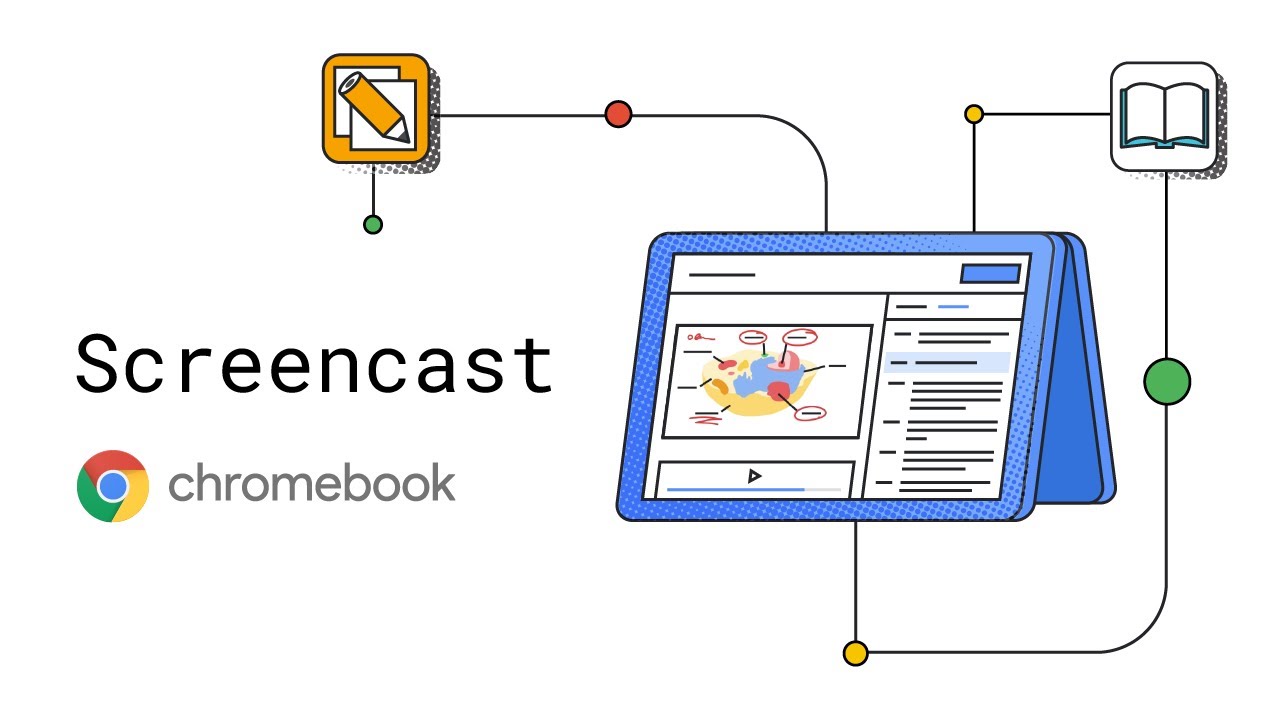
Share your ideas with Screencast
Make video creation capabilities available to everyone in your class with the Screencast app built into Chrome OS. Educators can record, trim, transcribe and share lessons or demos to build a custom library of recordings. Students can create their own screencasts to share their ideas and what they’ve learned, or access lessons if they missed a class or need homework help. You can even draw or write on the screen using a touchscreen or stylus to diagram or illustrate key concepts. Recordings are stored on Google Drive, and can be accessed via link to the Screencast app – at school or from home. Update Chrome OS to M103 to get access.
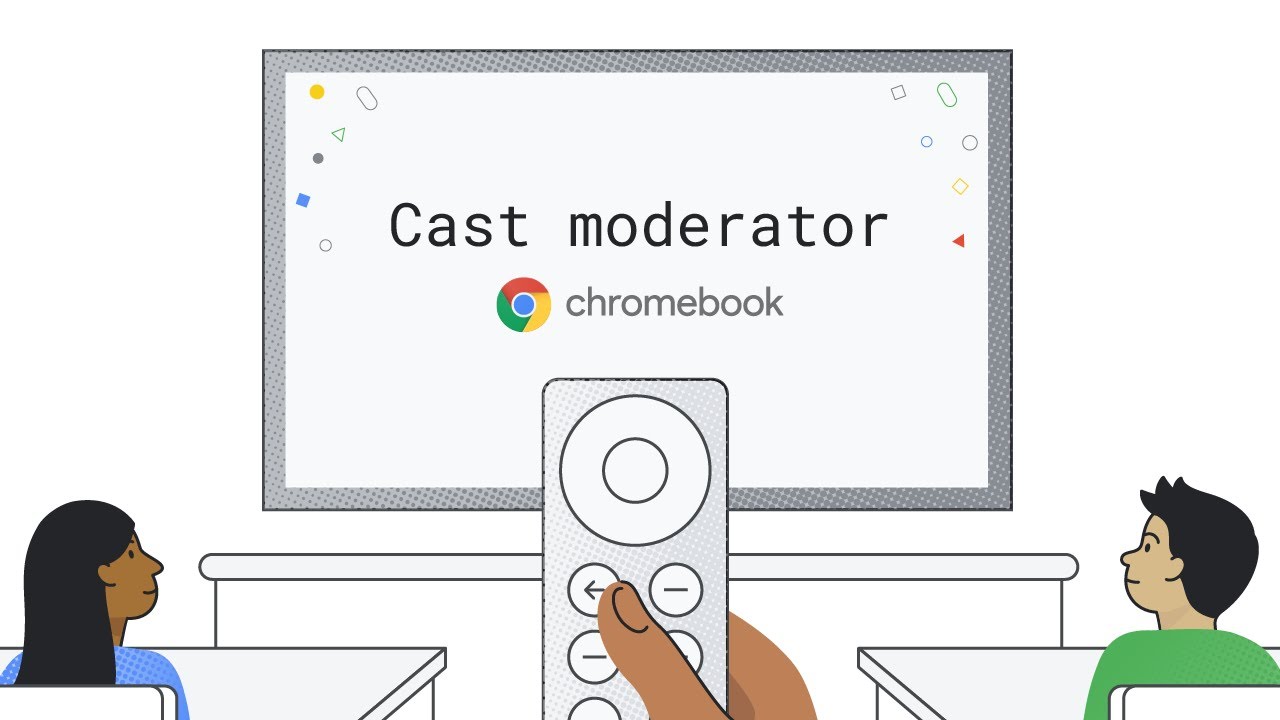
Secure, wireless casting for the entire class with cast moderator
Share ideas and content wirelessly with a moderator mode for casting that lets educators control casting in their classrooms. Cast moderator lets educators and students share their screen, whether sharing a presentation, a video or a worksheet, wirelessly to a central display, using a secure access code. Educators can keep class on track by controlling when the code gets displayed and instantly turning off a disruptive cast in their classroom with the click of a remote or from the teacher’s own Chromebook. With cast moderator, all educators need is a cast sender, like a Chromebook or a desktop Chrome browser, and a supported Google TV device as a cast receiver. We’re piloting this with schools this summer, so to get notified about availability, express interest through our form.
Working with Figma to optimize for Chromebooks
Our team aims to give students access to the tools they need to build key skills and creatively express their ideas on Chromebooks. We’re working with developers like Figma, the leading browser-based collaborative design software, to optimize their products for Chromebooks and run pilots in real classrooms. Through this partnership, we hope to equip students with the visual communication, problem-solving and collaboration skills they need to thrive in a digital-first world. We’re announcing a free Figma beta for U.S. high schools using Chromebooks. Now you can deploy Figma and manage free app licenses all from Google Admin Console, making it easy to deliver to many people at once. Starting today, you canapply to participate in the Figma beta, which launches later this summer.
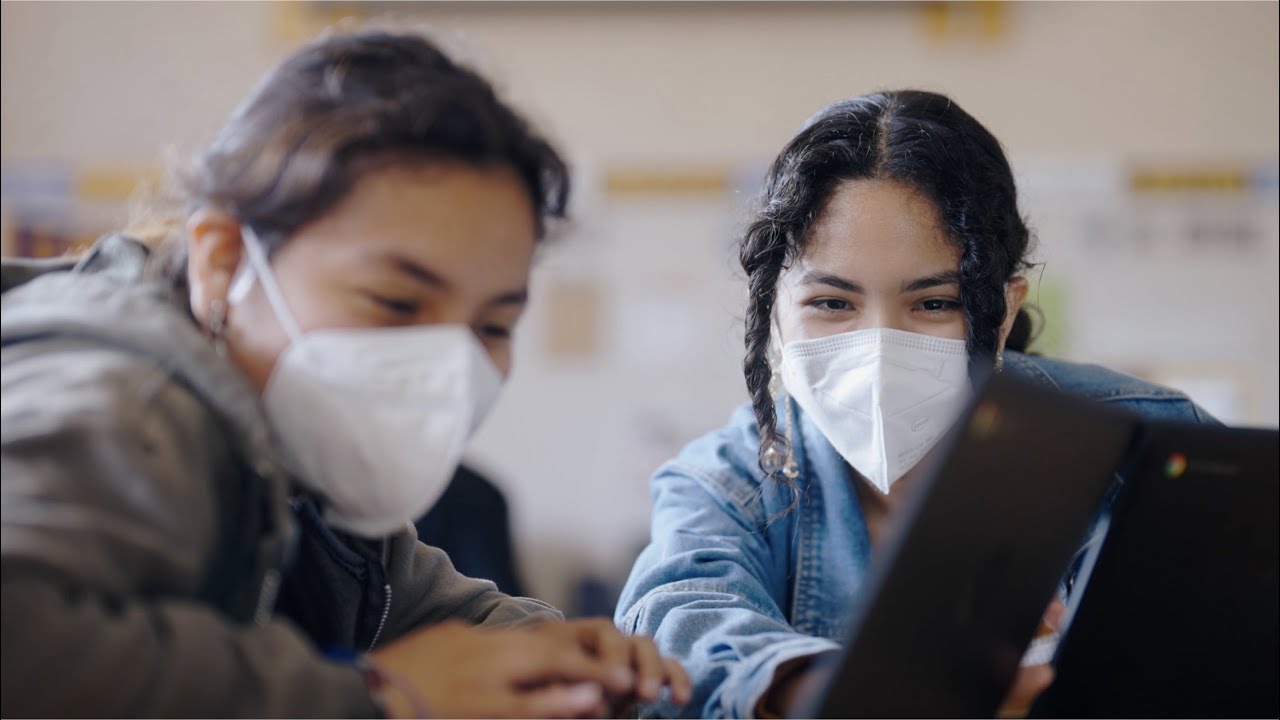
Find the right Chromebook for you (and your school!)
Whether you’re looking for Chromebooks for high schoolers or for educators, or for yourself, you can find recommendations onour website, along with accessories that are Works with Chromebook certified, like styluses from Logitech. You can learn how to set up a Chromebook repair program in your school, with device-specific resources from Acer and Lenovo. Or if you have old Macs and PCs sitting around, you can repurpose them with Chrome OS Flex, a new version of Chrome OS that can help extend the lifespan of your devices.
Building for the future of teaching and learning
We’re excited to see how educators are using Chromebooks to expand their teaching. Chris Preston, an honors biology teacher at Rider High School in Wichita Falls ISD, is among the teachers who rely on Chromebooks for teaching. “As a teacher, I’m always looking for ways to save time, and my Chromebook is the ultimate time saver,” Chris says. “I actively share my experiences with my Chromebook with fellow educators because Chromebooks have changed the way I work. I want others to have that same opportunity.” And now, with Screencast and cast moderator, we hope educators around the world feel the same way.
Google Classroom: Making your favorite educational tools work better together
Editor’s Note: Join us for Google for Education’s product launch event, The Anywhere School 2022, to find out about the latest features to help students pursue their personal potential.
For educators, there are always a few top of mind questions: how can they optimize their time and find ways to help each student learn effectively? With Classroom, we’re working to help solve these problems so educators can focus more on teaching and students can experience new approaches to make learning more personal.
We’re announcing new features to help tackle complex challenges, like supporting individualized learning at scale. We’re also developing deeper integrations with key tools that educators and administrators use on a day-to-day basis, making everyday tasks, like grading, creating assignments, and managing class lists easier.
Practice makes progress
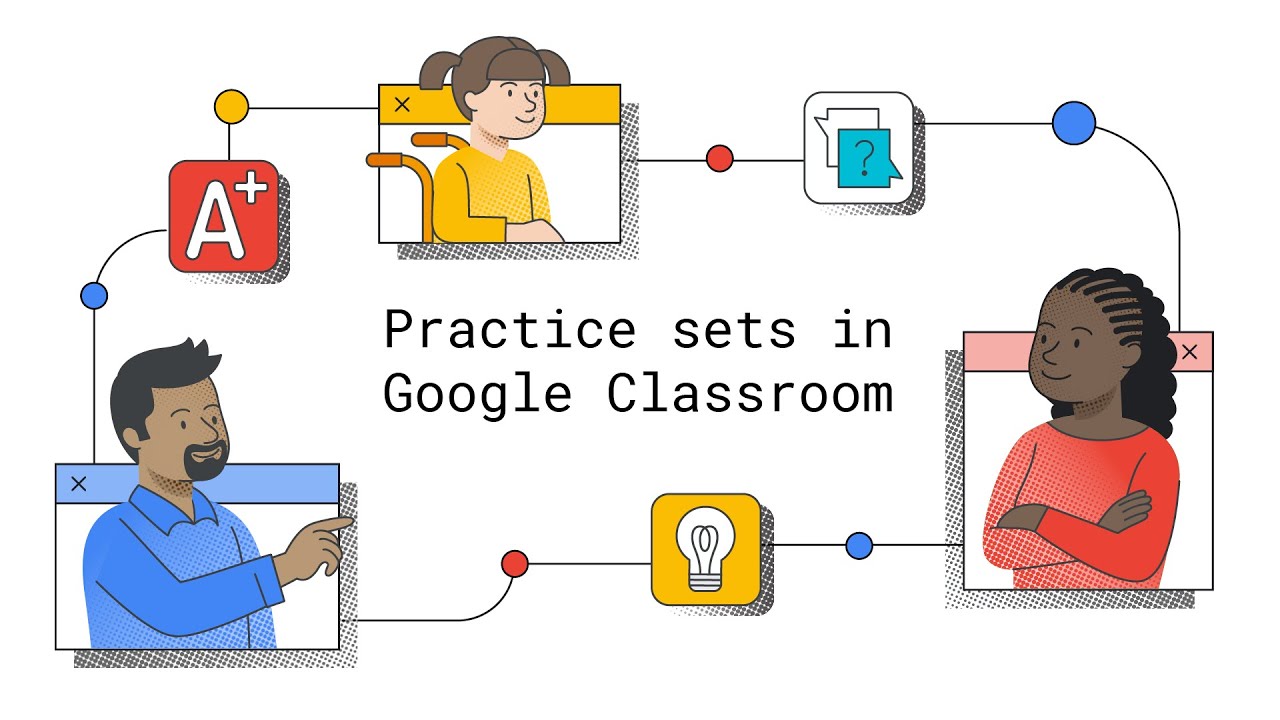
Built with adaptive learning technology, practice sets is a new feature in Google Classroom that enables teachers to transform their existing content into interactive assignments. When working on an assignment, students receive instant feedback on their answers, and real-time support through visual explainers and videos if they get stuck along the way. For teachers, once they set up their initial questions, practice sets provide automated grading and insights to help them quickly identify gaps in students’ understanding so they can shape future lessons. Practice sets will be globally available in beta, and in English only, for Google Workspace for Education customers with Education Plus or the Teaching and Learning Upgrade. If you’re interested in trying out the beta, express interest here.
Create interactive lessons and simplify grading with your favorite EdTech tools (coming soon)
With Classroom add-ons, teachers and students can soon access custom learning and grading experiences from more than 15 EdTech favorites including IXL, Pear Deck, Kahoot! and Nearpod. They can sign into Classroom and each add-on with the same login, removing the need to remember multiple passwords or to navigate to multiple websites to access classwork. Teachers can more easily review student work with the Classroom grader view and grades will automatically transfer to the Classroom gradebook.
In the coming months, we’ll be rolling out this feature to Classroom users with Google for Education Plus or the Teaching and Learning Upgrade. Admins will be able to choose which add-ons they enable for their schools. Subscribe to the Google for Education newsletter to get notified when this feature is available.
With the IXL add-on, browse content by skill level or subject, then preview the skill before attaching to an assignment.
Set up classes automatically with expanded SIS syncing
Last year, in partnership with Clever, we added the ability to sync the rosters from your student information system (SIS) to Classroom, so classes could be automatically created and updated. Soon, we’ll be expanding to 15 more countries with the help of SIS integration expert, Elevate Data Sync. Admins can sync class lists and timetables directly with most major student information systems, removing the need for teachers to set up their courses manually. Now, they can just click “accept” when their course is created. Schools with Education Plus that are interested in trying this out with Elevate Data Sync can sign up for the beta today.
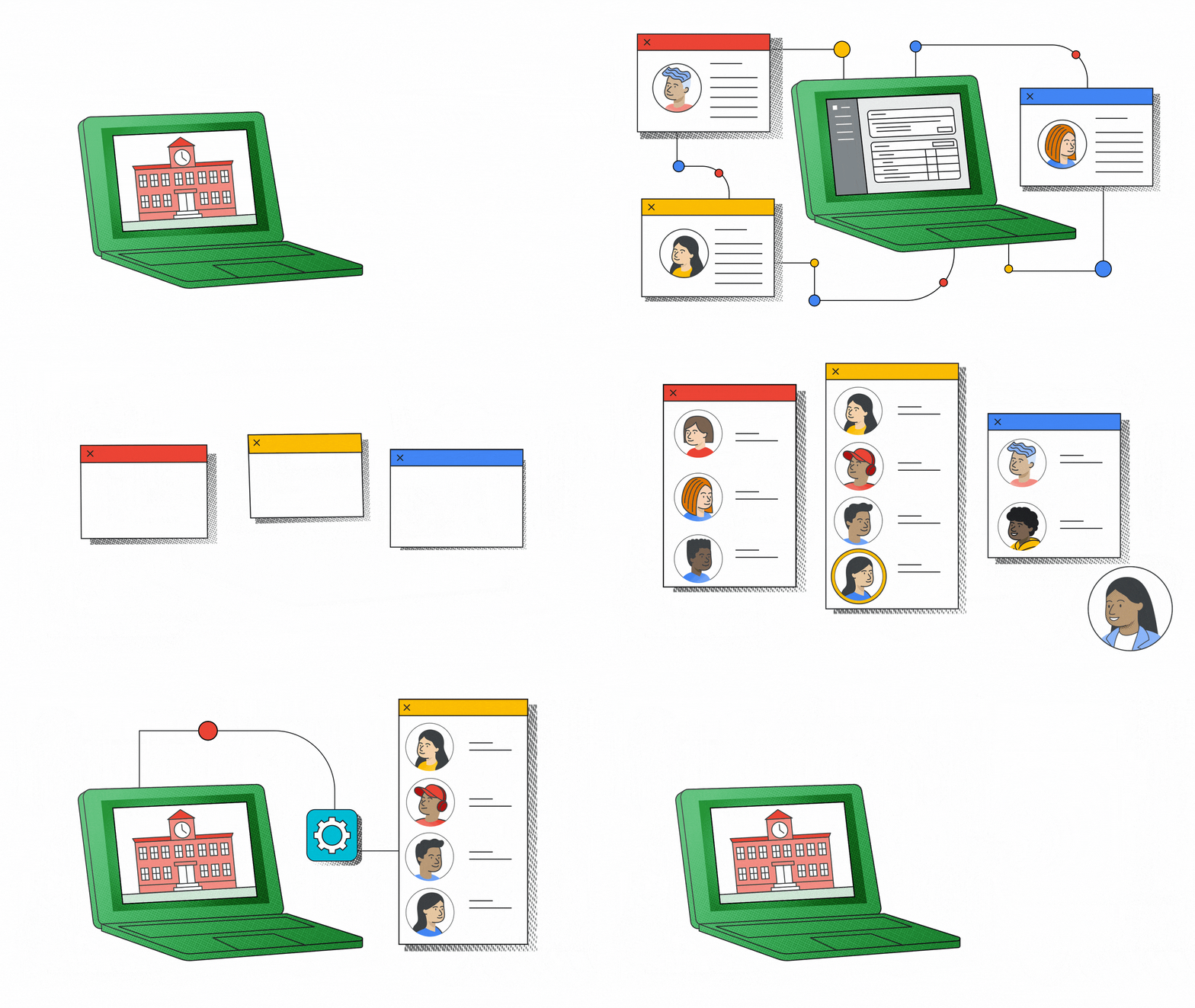
Admins can sync class lists directly with most major student information systems. Teachers can just click “accept” when their course is created
Prioritizing your top requests
We spend a lot of time with teachers and schools to make sure we’re developing new features and products that help with what they need most. We read every piece of feedback that is shared, anduse that information to prioritize top feature requests. Here are some of the latest improvements:
- YouTube in Google Classroom: It’s now easier to find, evaluate, and add YouTube videos into your lessons from Classroom with larger thumbnail images and the ability to filter videos by duration. And when you or your students are watching a video, you’ll see a larger video player.
- Grade export: We’ve added action-oriented messages that guide teachers as they sync grades with their SIS.
- Notifications: Our notification emails are getting a refresh, so teachers and students can quickly scan emails and find key information. Later this year, teachers will even be able to reply to students from within their email notifications in Gmail. And for those of you who access Google Classroom on your mobile device, we’re adding email settings functionality – so that everyone can now tailor notification settings for both email and push notifications.
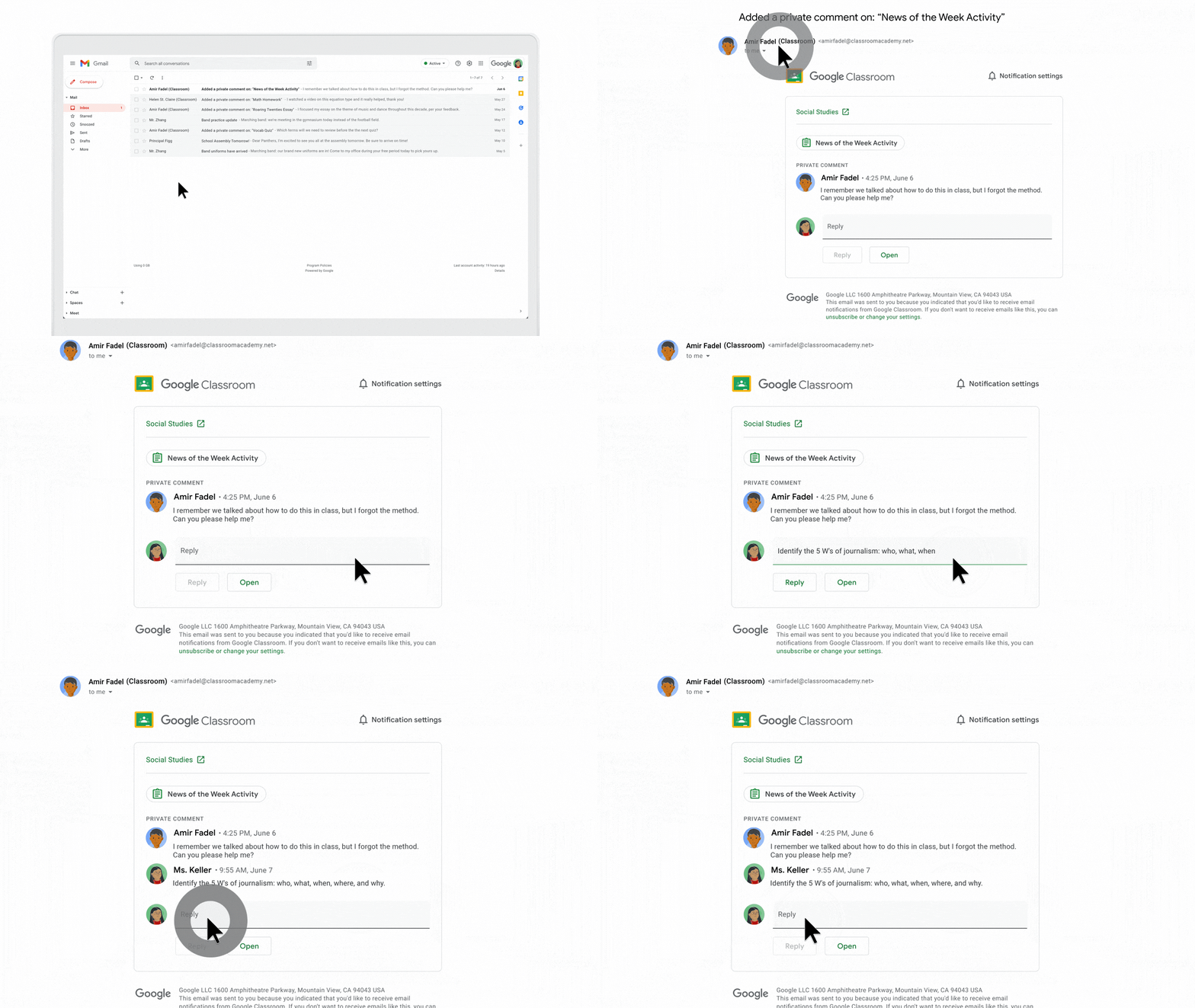
Reply to students’ comments, right from within Gmail.
In interviews with dozens of education leaders, we’ve heard three main themes: You need better visibility, deeper insights, and ways to support teachers at scale. We’re working on several new features, built specifically for education leaders, that will address these needs. Stay tuned for the chance to join our alpha and beta pilots, and expect lots more updates about how we’re empowering education leaders to achieve their goals and drive instructional impact.
We know that training helps build confidence when using new tools in the Classroom. Whether you’re just starting out or exploring advanced features, we have three new video-based trainings covering features that help simplify class management and accelerate grading, and lessons for students too. You can easily find all of these new lessons (available in English), and more training and instructional resources, on the Applied Digital Skills website (available now) or the Teacher Center (available later this month).
Ready to shape the future of our products? Sign up for our Google for Education Pilot Program, which is available globally.
New Workspace for Education tools to enhance learning
Editor’s Note: Join us for Google for Education’s product launch event, The Anywhere School 2022, to find out about the latest features to help students pursue their personal potential.
Whether learning takes place in the classroom, or virtually on Google Meet, control remains paramount. It’s also important to enhance educational tools that help take teaching and learning further for every educator and student. Today we’re announcing several new Google Workspace for Education tools rooted in enhancing learning for the individual and classroom, giving educators more control and increasing support for diverse learners.
Enrich teaching and learning experiences for all types of learners
No one student experience is the same, so it’s a key priority for us to ensure the entire learning environment is enhanced. Earlier this year, we announced many features in Docs, like Assistive Writing features and the ability to use Meet directly in Docs, Sheets and Slides. For our Google Workspace for Education Plus and Teaching and Learning Upgrade customers, we announced live-translated captions in Meet, which allows hosts to add live-translated captions to support video meetings for language classes, multilingual audiences and even parent/guardian teacher conferences.
Today, we’re adding even more features to make Meet useful in the classroom. which are all available in Google Workspace for Education Plus and the Teaching & Learning Upgrade:
- Host Q&As and Polls in live stream: Users in a livestream later this year can participate in Q&As and polls, matching the experience Meet attendees enjoy today.
- Auto-transcribe Meet calls directly into a Google Doc: Keep a record of meetings with less storage than a recording and provide an easier way to edit, review, search and share lessons with students.
- Live stream public events directly to YouTube: Live stream Meet video calls to the public via YouTube for events like school board meetings, school assemblies and much more.
We’ve also made significant updates to Originality Reports in both Classroom and Assignments. Schools using Education Plus or the Teaching and Learning Upgrade can soon analyze Microsoft Word documents and backfill their private, school-owned repository with previous student classwork so teachers can compare student-to-student matches, in addition to hundreds of billions of web pages and over 40 million books. Also, starting today, originality reports can run reports in more languages including Dutch, Thai and Tagalog.
Increased controls and safety
We’re adding new Meet features to make sure you have control and can manage your class:
- Additional Meet controls: Admins can now control whether users in their organization can share their screen and use polls, Q&As, and whiteboarding to reduce student distractions and allow only teachers to use these settings.
- Picture-in-Picture: To be able to see and manage your class while presenting, we added Picture-in-Picture in Google Meet. Hosts can now see up to four meeting participants while presenting and navigating different tabs and windows, when running Meet on Chrome browsers.
Building more inclusive learning environments
We believe in building with and for people with disabilities, and one of the ways we do that is by building accessibility features directly into our products.
- Individualized accessibility preferences: Previously, these preferences were shared across all Workspace tools, meaning users needed to continuously turn them on and off. Now, accessibility features, like high contrast mode, will automatically work in Docs, Sheets and Slides, without needing to turn on an Editor-specific preference.
- Alt-text in Gmail: You can now add alt-text to your images in Gmail. This allows people to add context for an image, making it accessible for people using screen readers and helping them better understand exactly what is being shared.
With these improvements, we aim to change the way the classroom is connected, with the ability to teach across various learners’ needs. We look forward to another upcoming school year that is more connected and more personalized, regardless of where learning is taking place.