Il Re degli auricolari è in SCONTO: prendili ORA i tuoi FreeBuds 4i
Lenovo IdeaPad Duet, il Chromebook 2-in-1 che VOLEVI scontato del 43%
Guida Visual Studio Code
Visual Studio Code, non solo un editor per la scrittura del codice ma un vero e proprio IDE (Integrated Development Environment) con il quale realizzare applicazioni complete basate su vari linguaggi e tecnologie frontend e Web oriented come Javascript, Angular, Typescript, React o soluzioni backend classiche e non come Java, Kotlin e C. Realizzato da […]
Leggi Guida Visual Studio Code
ASUS MiniPC PN63-S1, il desktop compatto che può letteralmente scomparire dalla scrivania
Hogwarts Legacy a metà prezzo per PS5: preordinalo SUBITO
Spyro Reignited Trilogy: l’avventura EPICA su Switch (29€)
Nintendo Switch, blu e rossa FA PAURA e il prezzo è TOP
Clip per Telepass: perfetto per averlo a portata di mano (4€)
10 reasons to switch to Android
In the last year, over a billion new Android phones were activated. Ready to join the fun, but not sure which phone is best for you? Consider one that’s loaded with the best of Google, that can fold to fit in your pocket or fit your budget, or has a camera that can capture any shot. Regardless of which phone you choose, making the switch from iPhone to Android has never been easier.
Starting today, support for the Switch to Android app on iOS is rolling out to all Android 12 phones, so you can move over some important information from your iPhone to your new Android seamlessly. Once you’ve got your new Android phone, follow our easy setup instructions to go through the data transfer process. You’ll be prompted to connect your old iPhone with your new Android phone either with your iPhone cable or wirelessly via the new Switch to Android app. The instructions will walk you through how to easily transfer your data like your contacts, calendars and photos over to your new phone.
Once you’re all set up, you can get started on your new Android device by checking out our favorite features.
- Express yourself in new ways: With the Messages app and Gboard, it’s easy and enjoyable to send messages — especially between friends who use Android. Group chats, high-quality photo and video sharing, read receipts and emoji reactions are all available thanks to RCS, and thousands of emoji mashup stickers are there to help you express your feelings. (Rest assured, your iPhone friends will still receive your messages as well.)
- Video chat with anyone, anywhere: If your friends and family have Google accounts, it’s easier than ever to video chat with Google Meet on Android. Or if you prefer FaceTime, you can still use that in the latest version of Chrome. Or with apps like WhatsApp in Google Play, you can chat with whomever you like for free around the globe. Android has so many options, it’s easy to stay connected with those that matter to you the most.
- Tune into your favorite music: Catch up on the latest hits with your preferred streaming service available on Android. And if you had previously purchased and downloaded music on your iPhone, your music will transfer over to your Android phone, as long as it’s digital rights management (DRM)-free. Your purchases and downloaded content from Apple Music will still be accessible on your new Android device by downloading the Apple Music app.
- Your favorite apps and more: With Google Play, you’ll find the apps you already use and love, and quickly start to discover so many more. Looking to plan an outdoorsy getaway? Hipcamp will help you book your next camping spot, Skyview Lite will be your stargazing guide to the sky, and AllTrails will help you find a hike that’s perfect for you and your friends. A summer of fun made possible with your new Android.
- A privacy-first approach: On your new phone, your data is proactively protected by Android. Android helps defeat bad apps, malware, phishing and spam, and helps keep you one step ahead of threats. Messages, for example, helps protect people against 1.5 billion spam messages per month. Android also provides timely recommendations, like prompting you to select your location-sharing preferences when opening an app to help you make the best decisions for your privacy. Read more about how to keep your data private and secure.
- More devices that work better together: Choose from a wide variety of Chromebooks, Wear OS smartwatches, Google TV devices and Fast Pair supported headphones, like Pixel Buds, that work better together with your phone. In fact, some of your Apple products will still work with your Android device, like AirPods.
- Get more done with Google apps and services: Traveling on vacation and can’t read the local signs? Scan the text forinstant translation so you can get to your destination quickly. Editing a Google Doc on your laptop, but need to finish on the go? You can easily keep work going on your Android phone, too. Google prides itself on being helpful, and the best of Google is built into Android phones.
- Share music, photos and more across devices: Nearby Share lets you easily share music, photos and other files between your nearby Android and Chrome OS devices. To share content like photos and videos with non-Android devices, you can easily use sharing built into Google Photos or several other apps that allow you to share with friends and family and keep them in an organized memory bank for the future.
- Customize your Home screen with Android Widgets: Widgets are helpful additions to any Home screen, putting the information that’s most important to you right at your fingertips. There will soon be 35 Google widgets available on Android, so whether you want to have easy access to Google Maps’ real-time traffic predictions or have translations at the ready so you can communicate with family and friends, Android is there to make your life a little easier.
- Technology that’s useful for everyone: Everyone has their own way of using their devices. That’s why we build accessible features and products that work for the various ways people want to experience the world. Whether you want to use your device without ever needing the screen using TalkBack, or you want to take what’s being said out loud and create a real-time transcript with Live Transcribe, Android has you covered when and how you need it.
And that’s not all. Between our major annual updates, we’re always adding new features to Android.
Power Bank da 65W e 20000mAh in promo su Amazon con COUPON sconto del 15%
Una delle migliori PowerBank che potrai acquistare in promo su Amazon questa estate grazie al COUPON SCONTO del 15%
Leggi Power Bank da 65W e 20000mAh in promo su Amazon con COUPON sconto del 15%
Logitech MX Keys: la migliore sul mercato, per MAC in sconto
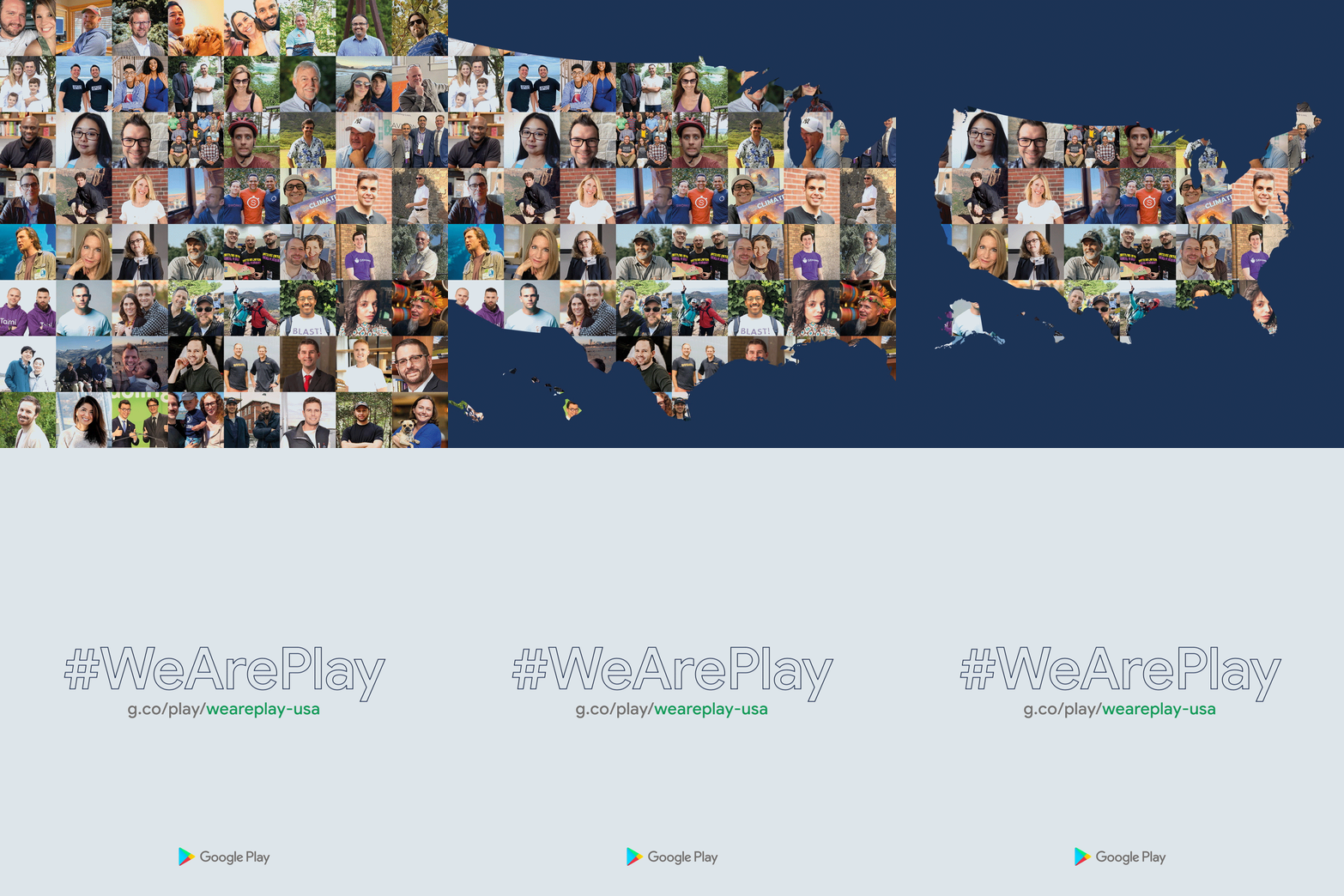
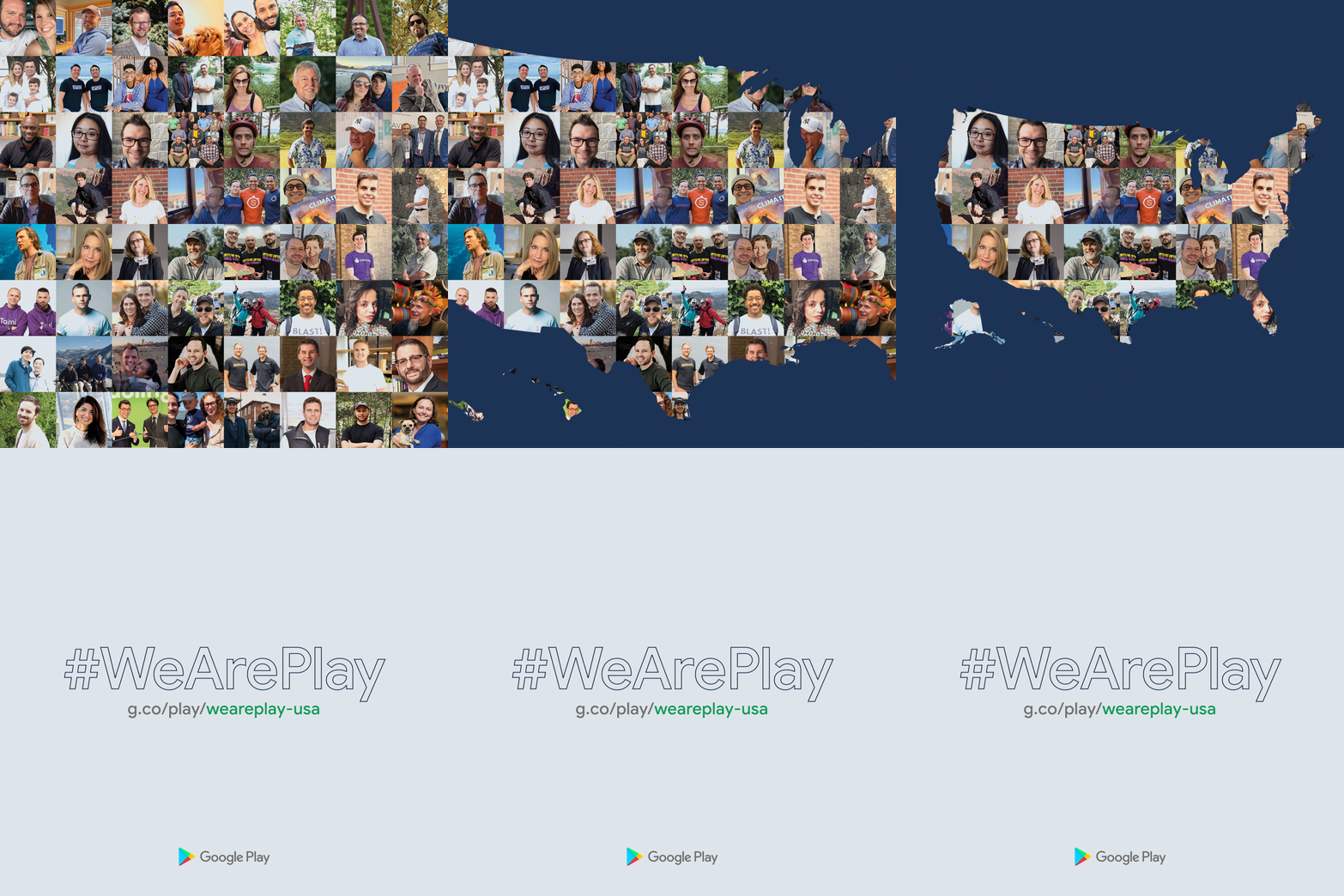
Hear from app and game founders in #WeArePlay USA
Last week, we launched #WeArePlay, a new series featuring the people behind your favorite Google Play apps and games. To celebrate the Fourth of July holiday, we’re putting a special spotlight on app founders and developers across every U.S. state. #WeArePlay USA introduces you to the passionate professionals behind more than 150 growing businesses.
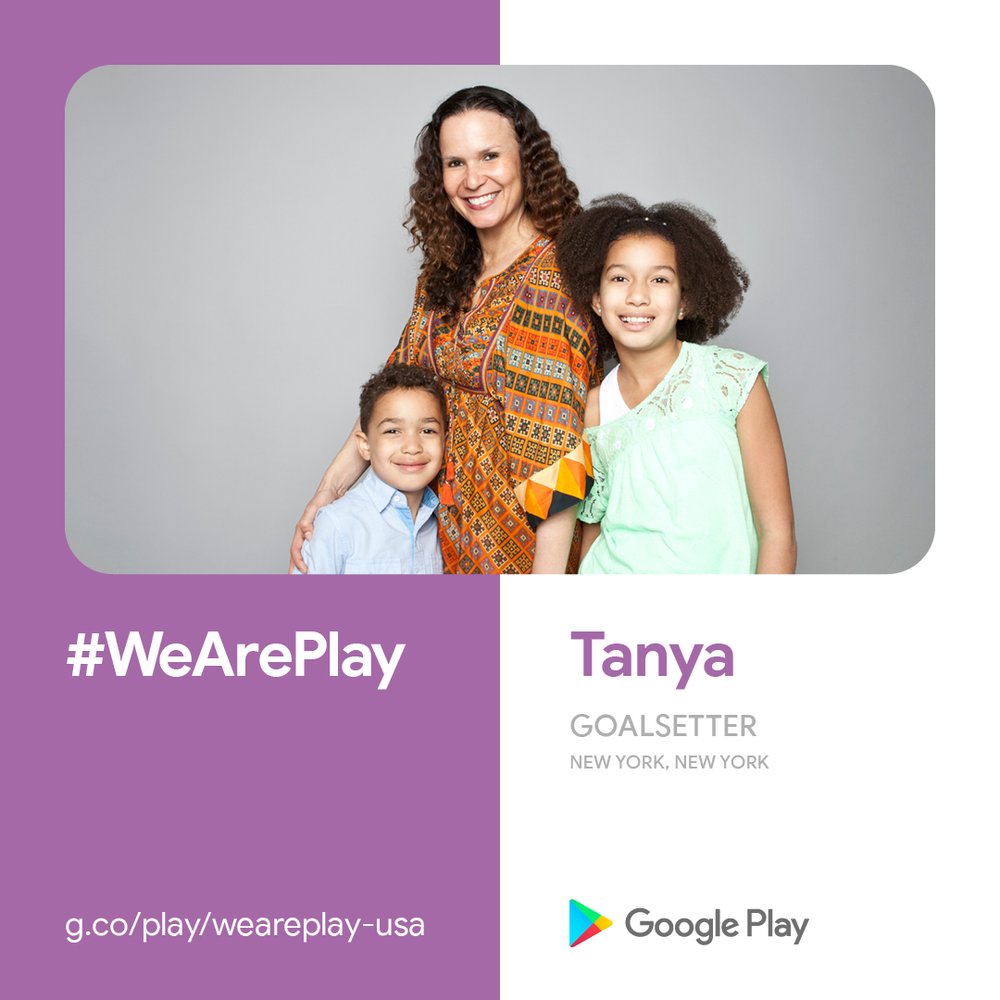
Let’s take a quick road trip across the #WeArePlay USA collection, starting in the Big Apple. New Yorker Tanya was so inspired when her eight-year-old daughter asked to open an investment account that she created Goalsetter — an app that helps kids learn about finance through fun activities. She wants to help kids, and their parents, build stronger financial futures: “Part of my mission is to close the wealth gap in America by educating the next generation.” Read more stories from New York.
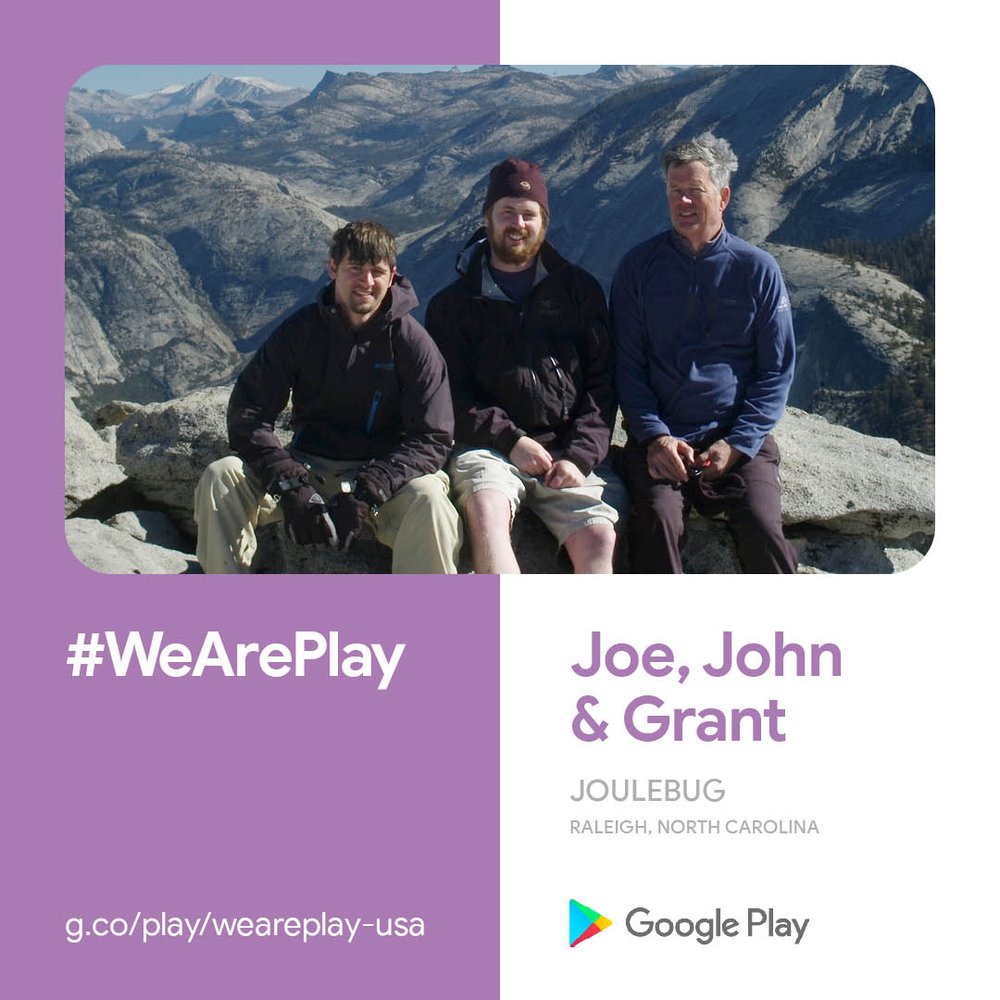
Our next stop is Raleigh, North Carolina to meet Joe, John and Grant. They created JouleBug to help people better understand their environmental impact through interactive challenges — like competing with friends to save the most energy or reduce the most waste. “As we go through our days, it’s become easy to waste resources and not even notice it,” says Grant. “We want to draw attention to this and show how simple it is to change your habits.” Discover more stories from North Carolina.
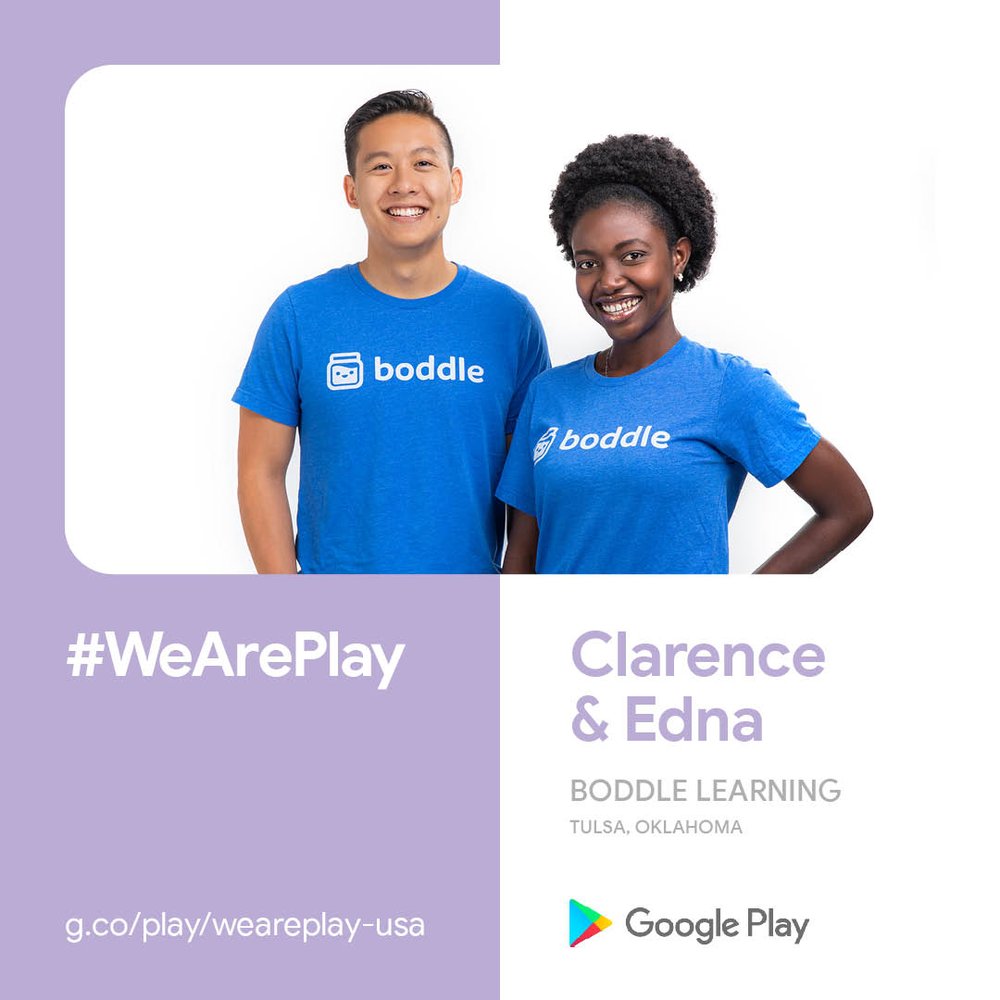
Making our way west, we meet Clarence and Edna in Tulsa, Oklahoma. They both share a passion for education and worked together to create Boddle — a 3D game that motivates kids to learn math. Using AI, Boddle also helps parents and teachers tailor learning content and track performance. Check out more stories from Oklahoma.
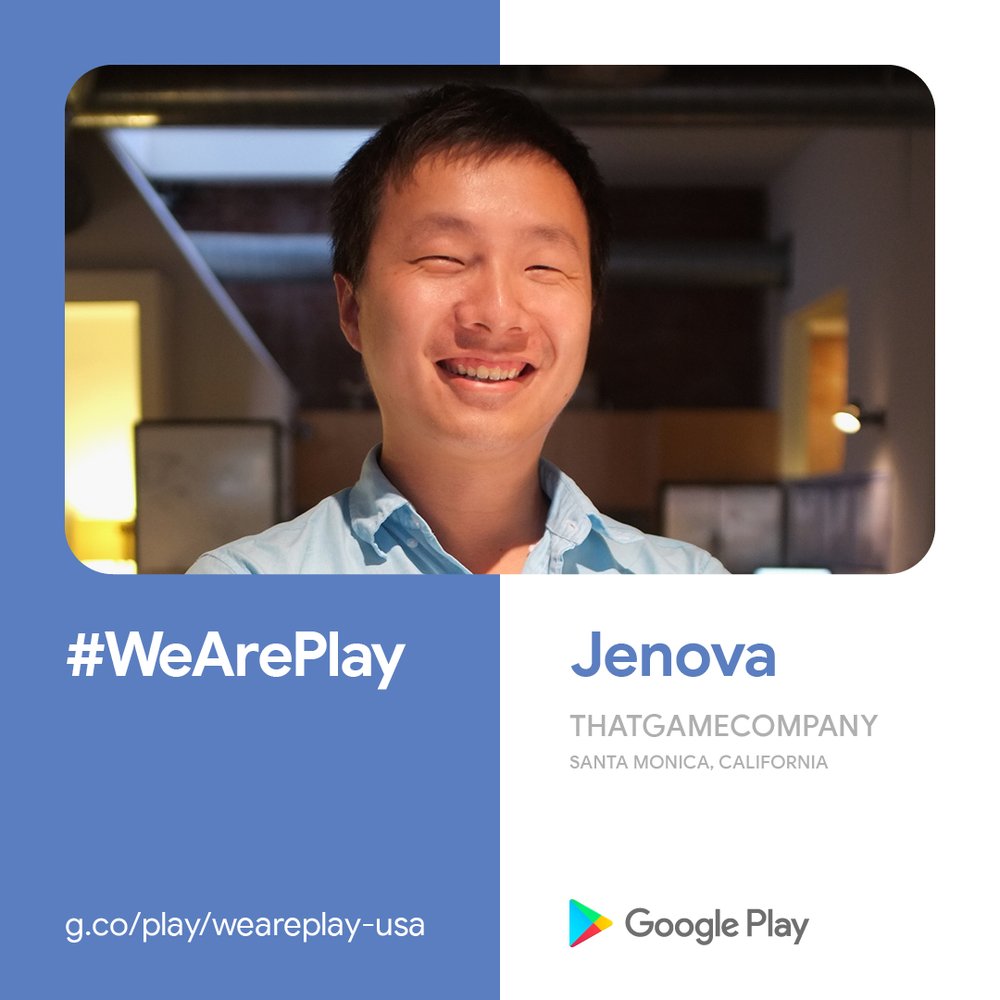
Our final stop brings us to Santa Monica, California with Jenova. While he was in film school, Jenova asked himself — could a game make you cry the same way a movie can? He launched thatgamecompany and started building games that tug at players’ heartstrings. His company now has close to 100 employees. Read more stories from California.
Explore the rest of the #WeArePlay USA collection, and stay tuned for more stories from around the world.