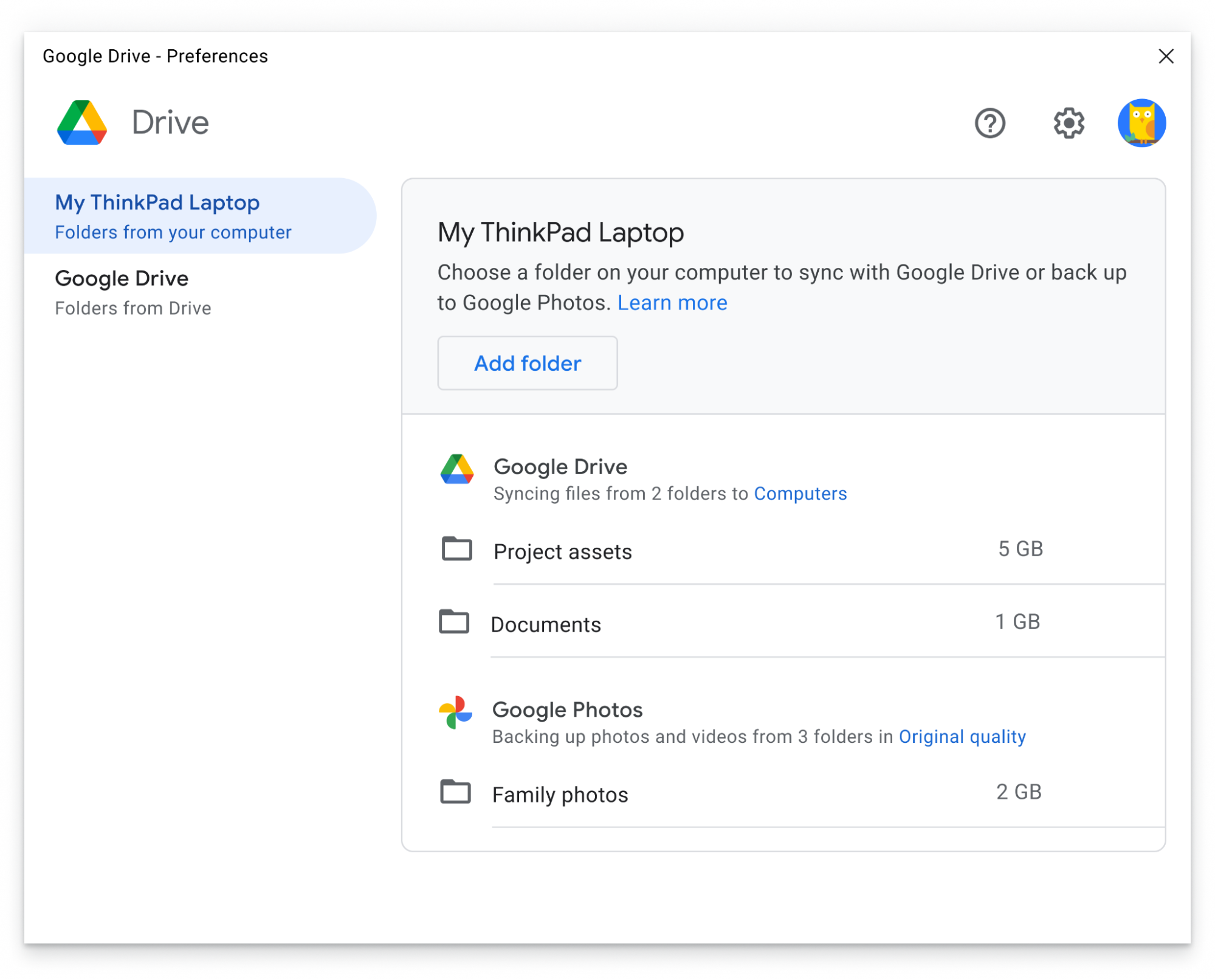
Each year, people are creating more content and using more devices to access that content. So it’s more critical than ever to be able to keep files, folders and photos safe, synced between devices, backed up and organized. To address this, in the coming weeks we’ll be rolling out a number of new features for Drive for desktop (Windows, macOS), our unified sync client that lets you easily sync your content across all your devices and the cloud.
Quickly sync and access content directly from PC or Mac
While many people access Google Drive directly from their web browser or from mobile apps, some people prefer to have access to their files and photos directly on their desktop, just like files that are stored locally on your device. Drive for desktop is an application for Windows and macOS that lets you quickly access content directly from your desktop, helping you easily access files and folders in a familiar location. Drive for desktop also automatically syncs local files to the cloud in the background, which minimizes the time you need to spend waiting for files to sync.
With Drive for desktop, you can access files directly from the cloud on your Mac or PC, which frees up your disk space and saves your network bandwidth. Because Drive files are stored in the cloud, any changes you or your collaborators make are automatically updated everywhere, and you’ll always have access to the latest version.